










Forms and surveys from one sentence
Say what form you need and who it's for; questions come with the right field types (national ID, Jalali date, multiple choice…), options and logic, and you preview everything before it's created.
Say what you need — a sign-up, a survey or an exam — and Porsino lays out the questions, field types and logic. Then publish and get a live report; Persian-first, Jalali dates, built for Iranian users.
A photography workshop sign-up form with session choice, national ID and online payment
If “Evening” is chosen → show “Preferred time”
New in Porsino
Create one link that asks a new question every day: for a class, a reading challenge, a seasonal contest or your staff. The correct answer stays hidden until the day ends, and at the finish the winners are announced with a transparent lottery and certificates.
Why Porsino?
You'll only find these ten together in Porsino. Each one was built for a real job — from classroom exams and theses to rush registrations and office approval inboxes — and they all come in one account.
Best for high-stakes exams
The server keeps the time, not the phone's clock. Everyone sees their own questions and options in their own order, leaving the page triggers a warning, and webcam snapshots are taken with the participant's consent. If the internet drops, answers stay on the device and are saved as soon as it reconnects.
Best for theses and research
Standard questionnaires with automatic scoring, sample size by Cochran's formula and the Morgan table, Cronbach's alpha and significance tests — and an SPSS export with codes, labels, measurement levels and missing values already set.
Best for rush registrations
Course selection, appointment booking, event tickets or limited stock: each option's capacity is counted down atomically, so even if everyone clicks in the same second, no place goes to two people — and every payment goes straight to your own Zibal or Zarinpal gateway.
Best for busy managers
No statistics needed: every report spells out its finding in plain words, AI writes an executive summary of the whole survey, and a compact PDF brief is ready for your meeting.
Best for fair prize draws
Before the draw, the ticket list and the draw's fingerprint are published; from that moment the winner can't be tampered with, and every entrant can recompute the result in their own browser.
Best for field work
Interviewers record responses with no connection, voice and GPS location included; once back online, everything syncs to the server automatically, with no duplicates.
Best for organisations
Each request is approved step by step in each person's inbox, against a set deadline, and the applicant follows its status with a tracking code. Active Directory sign-in, team roles and an audit trail of every change are ready too.
Best for Iranian forms
62 field types, including ones that only make sense in Iran: national IDs and IBANs with validation and the bank's name, licence plates, postal codes, provinces and counties, the Persian calendar and amounts in words — with Persian or Latin digits, whichever the user types.
Best for employee surveys
In anonymous mode, the IP address, browser and device fingerprint are never stored, and respondents see a green “Anonymous” badge on the form — so employees feel freer to say what they really think.
Best for peace of mind
If your plan's limit is reached, new responses are still accepted and kept, and they unlock automatically when you upgrade. No auto-renewal and no surprise charges; deleted items can be restored, and everything is backed up every night.
All in one account. Start for free and pick your plan whenever you need it — no bank card required.
Porsino in action
See how a form is built, how responses turn into a report, and how an exam is graded, exactly as it happens in the panel.

Porsino AI
Porsino's AI understands Persian and takes the tedious work away: it lays out questions with the right types, writes exams with answer keys and explanations, and draws conclusions from responses. The output is always a draft; the final call is yours.
Say what form you need and who it's for; questions come with the right field types (national ID, Jalali date, multiple choice…), options and logic, and you preview everything before it's created.
Type a topic or upload a PDF or Word lesson; up to 50 questions are created with the correct answer, a difficulty level and an explanation for each, and go to your question bank in one click.
Summarizes and categorizes open answers, separates positive from negative sentiment and writes an executive summary and analysis for the whole report.
Say what should change and it applies it; or let it find leading, vague and double-barreled questions and translate the form into English.
And also:Open-answer summariesAuto-taggingSentiment analysisForm translationIn-panel help assistant
Say what form you need, who it's for and what it should ask.
Check the preview; every question, option and rule stays editable in the builder.
Share a link, a QR code or embed it on your site; reports build themselves instantly.
One panel, four tools
Forms, surveys and exams share one builder and one reporting engine; resumes and company profiles have their own editor — all in one account.
Form builder
Drag and drop fields and write rules in plain language: “if part-time, ask for hours”. National ID, IBAN, license plate, Jalali date, signature, map and file fields each validate themselves, and calculated fields work out totals and discounts for you.
Surveys and reports
Every chart builds instantly: crosstabs, wave comparison with significance tests, breakdowns by unit and “who said what” — with SPSS, Excel, PDF and Word exports.
Professional exam builder
A question bank with nested categories and math formulas, random selection per candidate and a server-side clock. During the exam: webcam snapshots (with the candidate's consent) and tab-leave warnings; afterwards a grading center, gradebook, item analysis and report cards.
Resume builder
Enter your details once and move between templates; switching never touches your data. 12 templates are free.
For organizations
Single sign-on, workflows, offline collection and fine-grained access control — and data that stays on Porsino's own dedicated server.
Active Directory and LDAP, Azure AD, Keycloak and Google, with domain verification and roles.
Multi-step approvals with deadlines (SLA), a personal inbox and the history of every response.
Interviewers record responses without internet, with voice and GPS location; everything syncs automatically, without duplicates, once they're back online.
“At most 200 women, 150 people from Tehran” — with a clean ending when a quota fills.
One tablet in a lobby or at a trade show; a fresh form after every response, with an exit PIN.
Money goes straight to the form owner's own Zibal or Zarinpal gateway, with server-side verification and invoices.
A Jalali calendar with exact capacity per slot — no double bookings, with calendar files.
The respondent's phone number is verified with a one-time code before they fill in the form.
Team roles for owner, admin, designer and viewer, and a full record of every change for audits.
Complete platform
No need to start from scratch or move data by hand — and no need to worry about where your data lives.

From store orders and patient intake to employee satisfaction and safety exams — each with real logic, browsable without signing up and yours in one click.
Browse templatesEvery response goes instantly to your CRM, email or any other system; step-by-step instructions are in the panel.
Interface, forms and reports in both languages: right-to-left and left-to-right, Jalali and Gregorian dates, Persian and Latin digits.
Web app
No app store and no heavy download: it installs with one tap, opens full-screen, and a long press on the icon puts “New form”, “Responses” and “Exams” one step away.
iPhone: in Safari, tap Share → Add to Home Screen.
Plans
Building forms, surveys and exams, reports and Excel export are free. Whenever you need more, each audience — forms and surveys, exams and education, organizations and research — has three plans you can activate monthly, quarterly or yearly; no auto-renewal, and no response is ever lost.
Questions
Can't find your answer here? Read the step-by-step guides or write to us.
From a short description it builds a complete form or survey with the right field types, options and logic; from a topic or a PDF or Word file it writes exam questions with the correct answer, difficulty and explanation; it summarizes and categorizes open answers and writes an executive summary for your report. 3 free AI forms every day, no card needed.
Yes. Creating an account, building forms, surveys and exams, collecting responses, and getting reports and Excel exports are free and never expire; no bank card needed. If you ever need more (such as PDF reports, payments in forms or webcam proctoring in exams), you buy one of the plans for your audience — forms and surveys, exams and education, or organizations and research — monthly, quarterly or yearly; no auto-renewal.
Just an email. After signing up you can pick one of 520 ready-made templates or build a form from scratch and share the link that same minute.
Porsino is Persian and right-to-left from the ground up: Jalali calendar, Persian digits, Iranian national ID and mobile numbers, IBAN and bank card numbers, province and city, and Excel exports that open correctly in the Persian edition of Excel. On top of that it has advanced conditional logic, an exam builder with automatic grading and report cards, 117 ready-made reports and online payments. Full comparison of Porsino and Google Forms
Yes. With 24 condition operators and 12 action types you can say “if this answer is given, show that field, make it required, jump to another page, or end the form right here.” Conditions are also checked on the server, so they can't be bypassed. Conditional logic guide
Yes. A question bank with tree categories and math formulas, random question selection for each participant, a timer that keeps server time, automatic grading, report cards and PDF certificates. How to build an online exam
Yes, in four ways: inline (iframe), a popup that opens on a button click, a slide-in panel from the side of the page, and a floating widget in the corner. The last three are a single line of script, and the form's height adjusts to its content automatically. Publishing and embedding guide
Yes. The “Integrations” tab of every form has step-by-step instructions for all three tools: create a webhook in that tool, paste its address and run a test. From then on every new response goes there, and you can route it to Telegram, email, a CRM, Google Sheets and thousands of other apps — without code. Integrations guide
520 complete templates in 22 categories — from employee satisfaction surveys and shop order forms to patient intake, farm inspection reports and contractor safety exams. Every template can be browsed without signing up and becomes your form in one click. Browse templates
On the platform's own dedicated server. Responses only go somewhere else when you choose to: integrations you switch on (webhooks, Google Sheets, the API) or AI tools such as summarising and analysing responses, which send the text to an AI service for processing. No file or font is loaded from an external CDN either.
Yes. A report for every question plus CSV, Excel, SPSS and Word exports come with the free account. The explorer with all 117 reports, PDF reports, custom dashboards and live presentation unlock from the “Pro” or “School” plan up.
Yes. Next to every chart, open the “who chose what” table to see each respondent's name against their choice; in ranking questions you also see who put each option first, second or third. The name comes from whichever field you added to the form. Reports guide
Yes. If your form has a field such as department, branch or city, pick it at the top of the reports page and every number — from counters to charts, the executive summary and even the export file — is computed for that segment only.
The “Participants” tab has two views: an individual report card that shows each answer next to the correct one and its score, and a group report card with the class average and pass rate, each question's difficulty and a “grade sheet” (rows: people, columns: questions) — with Excel export. Online exam guide
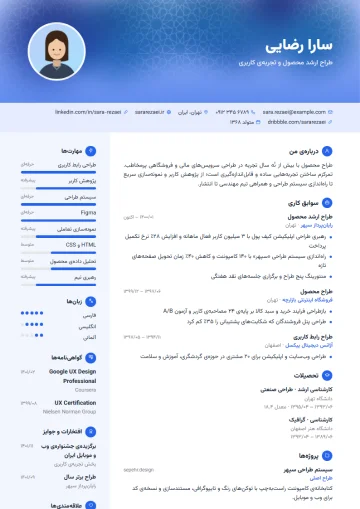
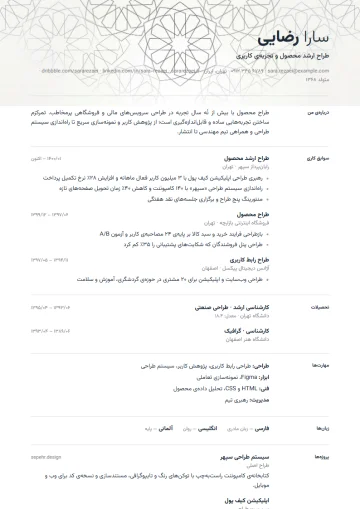
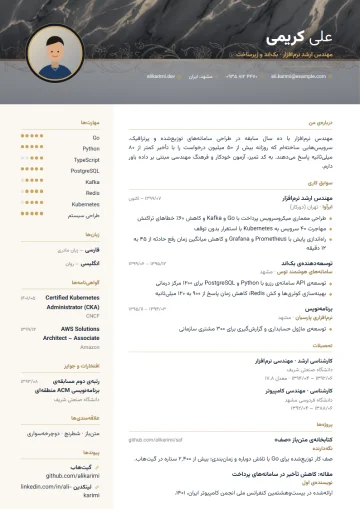
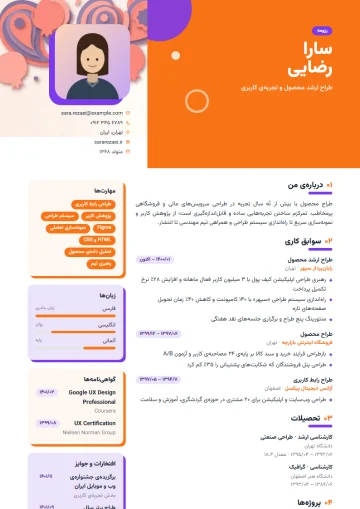
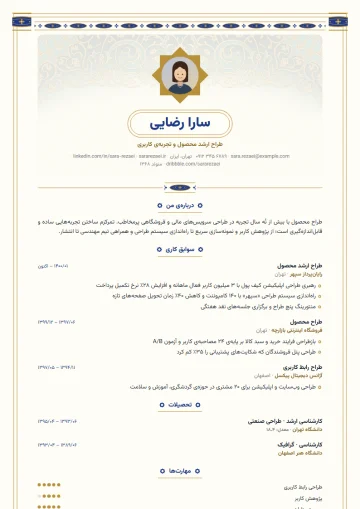
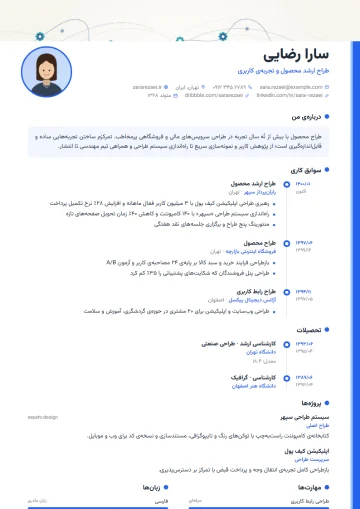
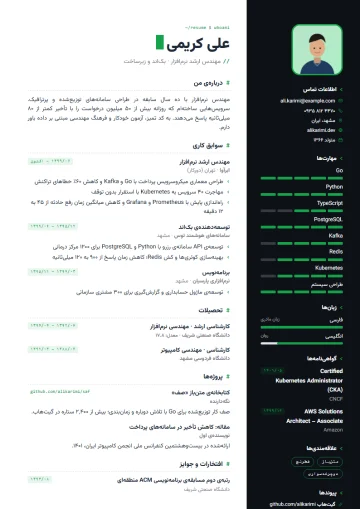
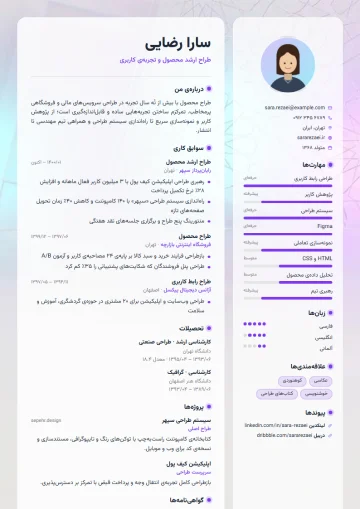
The Porsino resume builder creates Persian or English resumes with 100+ templates: you enter your details once, choose a template and the preview updates instantly. With a free account you build resumes with the free templates and export PDF and Word; only a small “Made with Porsino” mark appears at the bottom of the document. About the resume builder
Yes. The Word file is generated with the same colors, layout and Persian font, and dates in Persian resumes are shown in the Persian calendar. And whenever you switch templates, your resume data stays intact. See resume examples
Either download the PDF, or turn on resume sharing to get a readable public address like porsino.com/cv/your-name, which also has a PDF download button. Resumes are private by default, and turning sharing off takes the page down immediately.
Yes. 30 company profile templates in six styles (Corporate, Brochure, Startup, Industrial, Agency and Consulting) with sections for services, projects, clients, team, certifications and key figures — suited to tenders, B2B sales and investor introductions. company profile
On top of the 7 basic exam certificate designs, there are 15 special designs: from Persian motifs such as illumination, girih and an imperial design with the Persepolis lotus to security guilloche, kids, sport, medical and circuit. All can be verified with a QR and a unique code. Online certificates
Regular skins adjust color, card style and layout; the 15 special themes are complete designs with artistic backgrounds and image headers, such as Cherry blossom, Kashi tile, Nebula and Coffee. Previews are free for all, and they’re activated from the “Pro” or “School” plan up. Online form builder
As many as your account's response limit allows: the free account's limits (monthly and per form) and each plan's limits are listed on the pricing page. Even when a limit is reached the form stays open: responses are saved and unlock the moment you buy a plan. You can also set your own response cap, closing date or “one response per person”. Pricing and free features
Popular
Research calculators that run in your browser, the most-searched sample forms with Word and PDF downloads, and the builders behind them.
No sign-up; nothing you type leaves your browser.
Print-ready Word and PDF, or an online version that collects the answers for you.
Persian-first builders with Jalali dates, national-ID checks and live reports.
Get started
3 free AI forms every day — no card needed.
A practical guide to forms, surveys and exams — with examples and numbers.
The standard structure of a questionnaire, choosing a scale, validity (face, content with Lawshe's CVR table, construct) and reliability (Cronbach's alpha with a worked example), sample size, a complete 15-item sample, running it online, and exporting to SPSS.
Nine steps to an online survey that actually leads to a decision: defining the goal, sample size with Cochran's formula, rules for writing questions, length and structure, distribution, raising the response rate, sound analysis, and a 20-point checklist before you hit send.
Instead of exporting a spreadsheet every day, let the form notify your system the moment a response comes in. Here is what a webhook delivers, and the three things you must implement before you trust it.