A company profile without a designer or layout artist
A company profile is a document that says, in a few pages, who your company is, what it does and why it can be trusted. On Porsino you enter your company’s details once — introduction, services, projects, clients, team, certifications and key figures — and choose, from 30 professionally designed templates, the look that matches your brand. PDF and Word in the same design and a public link are ready to send.
- 30 templates in 6 styles
- Logo and brand color
- PDF & Word
- An always-current share link
Company profile template examples
Where is a company profile used?
Sooner or later every company needs a corporate profile — usually on the very day there is little time to make one. A few common situations:
Tenders and qualification
Tender committees ask for track record, similar projects, qualified staff and certifications to assess qualification. A profile that shows these neatly raises your qualification score.
B2B sales
Before a sales meeting, a corporate buyer wants to know who they are dealing with. A short, professional profile halves the salesperson’s work.
Investor and partner introductions
Alongside the business plan, a profile of your team, clients and key figures shows what you have achieved so far.
Trade shows and supplier registration
For an exhibition booth, registering on an organization’s supplier list or joining a trade association, you need an official introduction document.
What sections does a company profile have?
The profile structure on Porsino follows the profiles that have worked in tenders and enterprise sales. Each section has its own form, and if a section is not relevant to you, hide it with one click:
- Details and header: company name and tagline, logo, year founded, company size, industry, email, phone, website and address.
- About us, mission and vision: an introduction to the company and the direction you are heading.
- Services: each service with a name and description; in the Brochure and Agency templates they sit on separate cards.
- Projects: project name, client, year and scope of work — the most important evidence in qualification.
- Clients: a list of the clients and brands you have worked with.
- Team: key members with photo, role and a short bio.
- Awards and standards: awards, ISO, licenses, ratings and memberships.
- Key figures: up to 12 metrics such as years in business, projects delivered or qualified staff, shown as stat cards.
Six styles, 30 templates
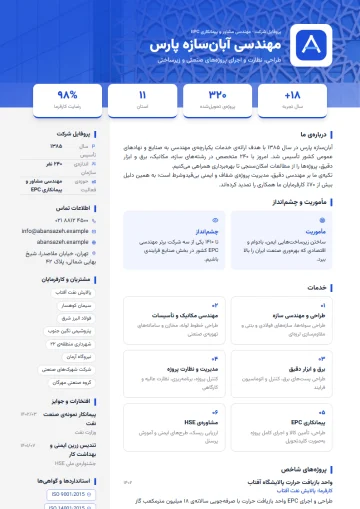
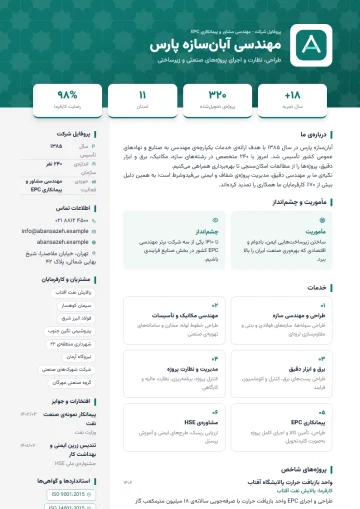
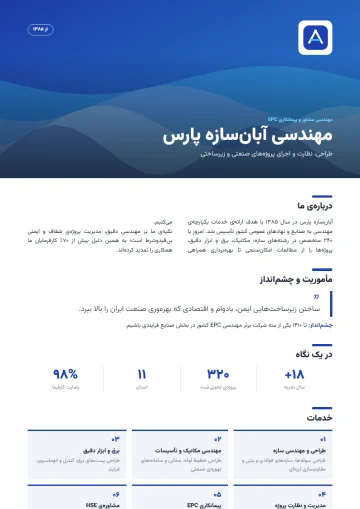
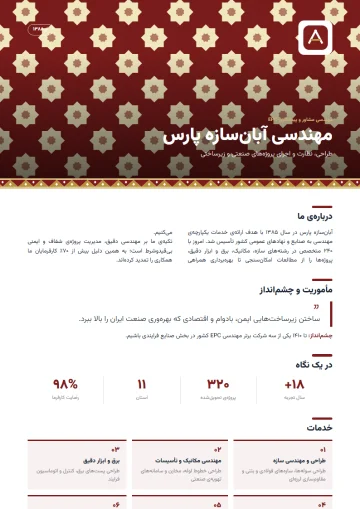
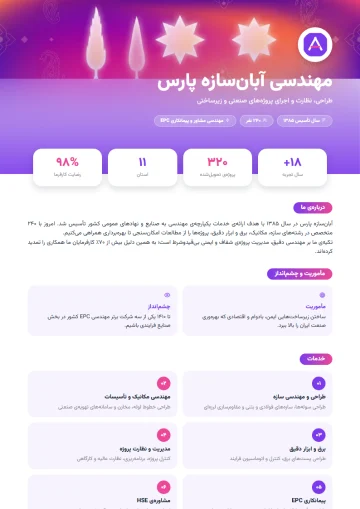
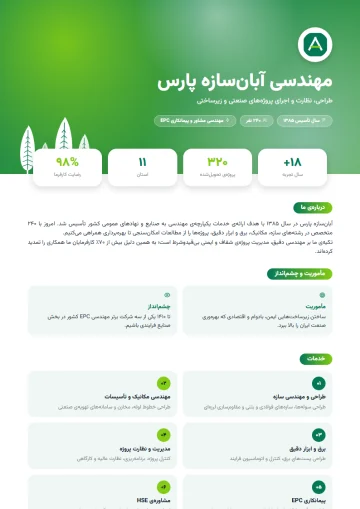
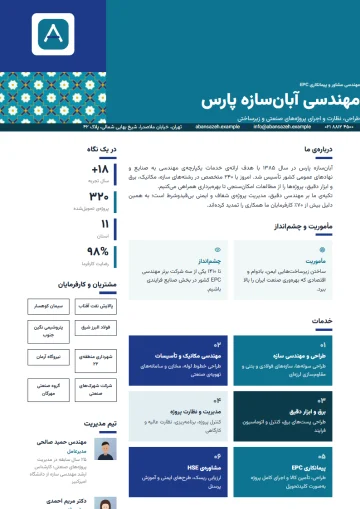
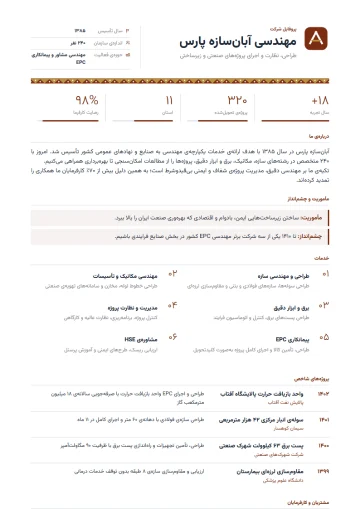
Each style comes in five color variations, and in every style one variation is designed with a Persian motif — girih, carpet, tile or cypress. You can also change the accent color to your brand color:
Company
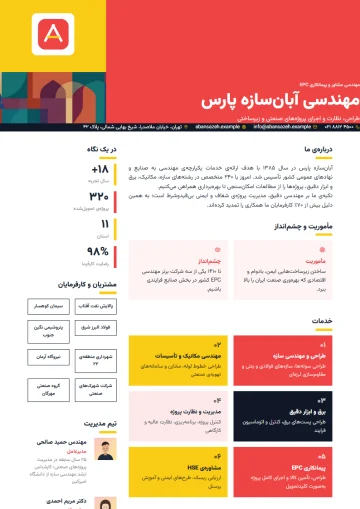
Colored header with logo, stat cards and a details column; formal and trustworthy for service and engineering firms.
Brochure
Magazine-style layout with a photo cover and a highlighted quote; for brands that deal with end customers.
Startup
Bold gradient and big numbers; for introducing your team to investors and accelerators.
Industrial
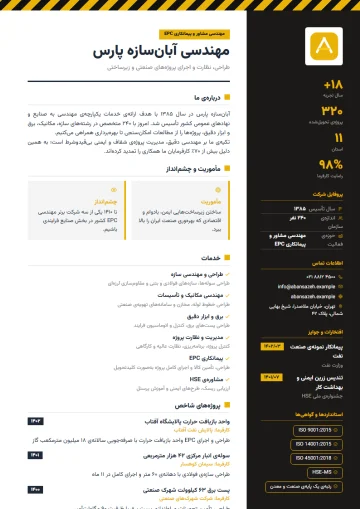
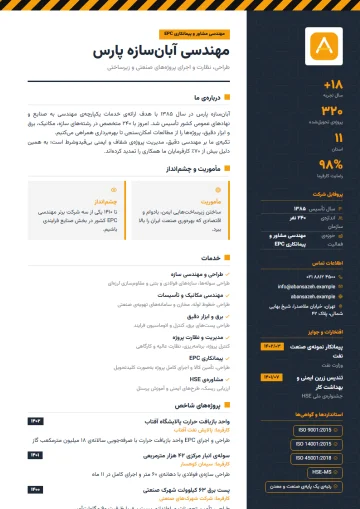
Hazard stripe, bold stats and certification badges; for contracting, manufacturing, oil and gas.
Agency
Mosaic color blocks and a client grid; for advertising agencies and design studios.
Consulting
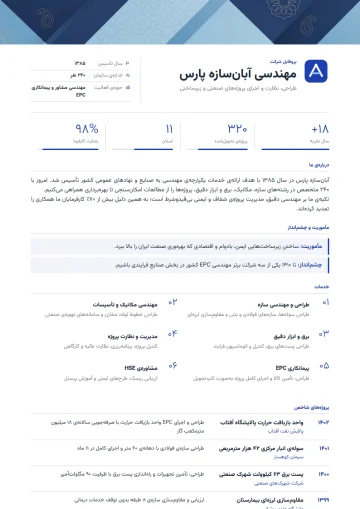
Thin lines, numeric indicators and case studies; for management consulting, auditing and legal firms.
See every company template with previews in the template gallery; each template’s page says which industry it was built for.
Profile tips for tenders
In qualification, the company profile is read carefully and every claim is checked against documents. These tips help your profile earn points, not just look good:
- Put projects similar to the tender subject first, and give the client, year and scope for each.
- Write certifications and ratings with their exact title and issuing body; “ISO certified” without the standard number carries no weight.
- Key figures must match the attached documents; assessors compare staff numbers with insurance lists and track record with contracts.
- Introduce the key team with their roles and relevant experience; the project manager and senior experts carry the most weight.
- Keep a PDF for official submission and a Word version for when the tendering party wants its own format.
Company profile FAQ
What is the difference between a company profile and a catalog?
A catalog mostly presents products; a company profile presents the company itself: track record, projects, clients, team, certifications and delivery capacity. Tenders and enterprise sales usually ask for a company profile.
Can I use my own logo and brand color?
Yes. Upload the logo in the details section and change the template’s accent color to your brand color; the secondary colors adjust automatically.
How many pages should a company profile be?
For sales and introductions, two to four pages are enough. For tenders it may be longer, but it’s better to put technical details in appendices and keep the profile concise and readable.
Is the Word export suitable for attaching to tender documents?
Yes. The Word file is generated in the same design, and if the tendering party asks for a specific format, you can easily move the text and tables.
Are the company templates free?
Company profile templates are unlocked by the “Resume Pro” plan; the same plan also unlocks all personal resume templates. Previews of every template are free, with no sign-up.
Related pages
- Free online resume builderPersian and English resumes with 100+ templates, PDF and Word in the same design.
- Resume examples100+ resume and company profile templates; a preview of each and the jobs it suits.
- Online form builderAny form with 62 field types, conditional logic, special themes and live reports.
- Build an online surveyCustomer and employee satisfaction surveys with invitations and ready-made reports.
Guides for organizations
All posts- Employee Satisfaction Surveys: How to Get Honest AnswersThe biggest problem with workplace surveys isn't question design; it's that employees don't believe the survey is anonymous.2 min read
- One Response Per Person: Why Browser-Based Limits Aren't EnoughThe "one response per person" option in most form builders relies on a cookie — and is defeated by an incognito window.2 min read
- Online Leave Request Forms: From Paper to WorkflowTaking a leave form online isn't just replacing paper. If you don't get the approval path and the balance calculation right, it creates more work, not less.2 min read
Get your company profile ready today
Enter your details once, choose a template and get PDF and Word.