Your ad, right when people finish the form
After every form, survey or exam submitted on Porsino, the thank-you screen opens with a few limited ad slots. Put your text ad or banner there; you pay for days and see impressions, viewability and clicks exactly.
- Only after a real submission
- Exact viewability and click stats
- Printable report
- Pay with Zibal
Live numbers, not promises
These numbers are read from Porsino's real statistics and update automatically; nothing is estimated or entered by hand.
Last 30 days · updated automatically
Why is the thank-you screen a good place for an ad?
The thank-you screen is the calm moment after finishing a task: people aren't rushing, nothing distracts them and the page is short.
Right at the finish
The ad is seen once people have finished and are waiting for what comes next; it doesn't pop up mid-form or interrupt anyone.
Full attention, no clutter
The page holds only the thank-you message and a few limited slots; your ad isn't lost among dozens of other banners.
A Persian-speaking audience
Respondents to the forms, surveys and exams that schools, companies, researchers and businesses build with Porsino.
Exact stats, not estimates
Each impression is counted only for a real submitted response; "viewable" means at least half of the ad was in view for one continuous second, and unique clicks are separate from repeats.
Live and printable reports
A daily chart and the split by phone, desktop and position in your own panel; an A4 report to print or save as PDF, and a CSV export.
You pay only for days
A clear daily or weekly price before you pay; no cost per click, no auction and no hidden fees.
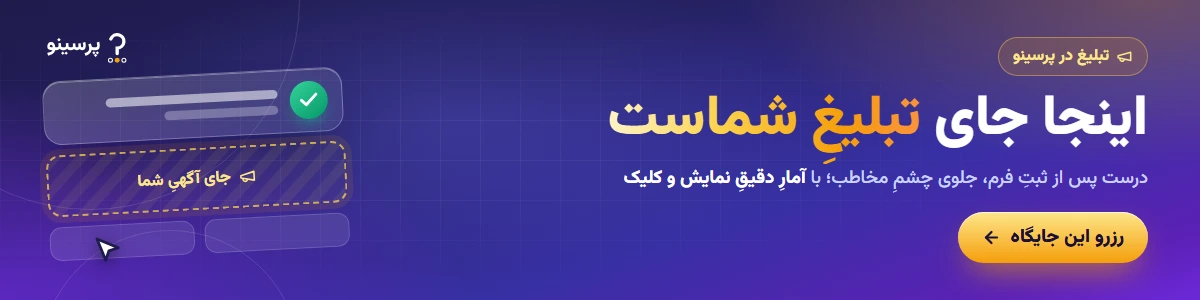
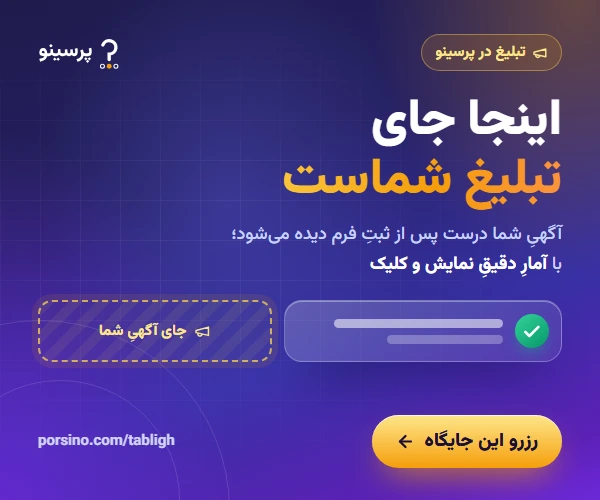
Three slots, exact sizes
The ad block sits below the thank-you message: the wide banner on top, and below it the rectangle banner beside four text ads. On phones the order is wide, texts, rectangle.
Wide banner
Full width of the ad block and above everything else; the most prominent slot.
Rectangle banner
Beside the text ads on desktop and below them on phones.
Text ad
A title, one line of description and your business name; four slots whose order changes on every view.
Send the spec sheet (sizes, safe area, file format and review rules) to your designer.
Download the spec sheet (PDF)Pricing
Daily from 1 to 6 days or weekly from 1 to 8 weeks; unit price times quantity, in toman. The final amount is shown before you pay.
Text ad
Title and one line
Free from today
Book a Text adWide banner
1200×300
Free from today
Book a Wide bannerRectangle banner
600×500
Free from today
Book a Rectangle bannerFrom request to report in five steps
Request
Choose the ad type, add your text or banner and see its preview on a thank-you screen.
Pay with Zibal
Choose the day and length; capacity is checked instantly and you pay through the Zibal gateway or by card-to-card transfer.
Review
We review the ad's content; if changes are needed you see why and edit it without paying again.
Goes live
It starts automatically at 00:00 Tehran time on the day you chose and ends automatically when the period is over.
Stats and report
You see impressions, viewability and clicks day by day in your panel and get a printable report and a CSV.
Frequently asked questions about advertising on Porsino
Where exactly is the ad shown?
Below the thank-you message of Porsino forms, surveys, quizzes and exams, only after a real submission. It isn't shown in the builder preview or kiosk mode, and forms whose owner has an ad-free plan show no ads.
How are impressions, viewability and clicks counted?
Each impression is counted only once per submitted response, and reopening the same page doesn't raise the number. "Viewable" means at least half of the ad was seen for one continuous second on an open page. Unique clicks are separate from repeat clicks, and bots, browser prefetch and the form's own owner aren't counted.
When does an ad start and end?
Each day starts at 00:00 Tehran time. The ad starts on the day you chose once its content is approved and ends automatically after the same number of days. If approval comes after the start day, delivery starts at that moment and still gets every day you bought.
How is the price calculated?
Daily (1 to 6 days) or weekly (1 to 8 weeks); unit price times quantity. No cost per click, no auction and no hidden fees, and the final amount is shown before payment.
How many ads are shown at once?
Each thank-you screen shows at most 4 text ads, 1 wide banner and 1 rectangle banner, and each day's capacity is limited; that's why you see the first free day when booking.
What happens if my ad isn't approved?
You see the review reason in "My ads", edit the ad and send it again; no new payment is needed. If you'd rather not continue, you request cancellation and a refund.
What size and format should a banner be?
The wide banner is 1200 × 300 pixels and the rectangle banner 600 × 500 pixels, as JPG, PNG or WebP up to 400 KB. A text ad is a title of up to 40 characters and one line of up to 90 characters.
Can I target the audience?
No. Ads are shown without personal tracking: no IP address is stored and no respondent's personal data reaches the advertiser. Stats show only the device type (phone, desktop or tablet) and position.
Do I get an official invoice?
Yes. Payment goes through the same checkout as Porsino plans; official invoices and discount codes work there and the invoice stays in "My payments".
I don't want ads under my own forms — what can I do?
Buy the "Ad-free" option (monthly) under "My subscription"; from that moment the thank-you page of all your forms, surveys and exams shows no ads. Organisation plans and the top plan of each family include it automatically.
Book your slot
A few minutes is enough to build an ad and see the preview; after payment, review and delivery run automatically and you see the stats the same day.