Executive · Charcoal & copper resume template
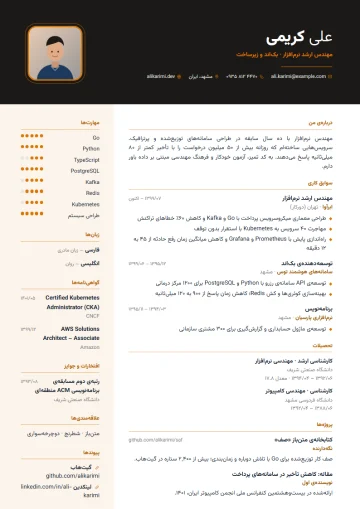
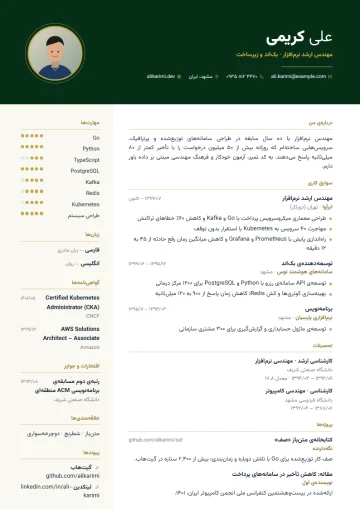
A dark header with gold details and a calm sidebar; for senior managers and key roles. The “Charcoal & copper” palette has warm neutrals such as gold, cream and brown; a classic, dignified feel tied to experience and credibility.
- Access: “Resume Pro” plan
- Category: Formal
- Layout: With sidebar
- With photo
- PDF & Word
- Persian and English
Who is the Executive · Charcoal & copper template for?
This template belongs to the “Executive” design and is most useful for these jobs and situations:
- CEO and deputy
- Chief sales and marketing officer
- Finance and audit director
- Regional and branch manager
- Board member
- Plant and operations manager
This template has a more graphic look and is best for sending directly to a hiring manager, by email or on LinkedIn; for applicant tracking systems, keep the same data in a single-column template too.
About the Executive · Charcoal & copper design
The Executive design opens with a dark header and gold or copper lines that convey weight and credibility. The professional summary takes a prominent spot so the key achievements — team size, sales growth, major projects — are seen before the details. The sidebar is reserved for leadership competencies, languages and memberships.
At management level, a resume is less a list of jobs and more a story of impact. With large headings and generous spacing between sections, this template lets you present each role with two or three quantified achievements. For boards or executive search firms, you create the English version of the same resume with one click.
The “Charcoal & copper” palette has warm neutrals such as gold, cream and brown; a classic, dignified feel tied to experience and credibility.
A photo frame is part of this design; you choose the photo shape (round, rounded, square or no photo) yourself.
Sections in this template
A resume in this template is made of these sections; each has its own form in the editor:
- Header and contact details: Name, job title, email, phone, city, website and photo (optional).
- Professional summary: Three or four sentences about your specialty, years of experience and most important achievement.
- Work experience: Title, organization, city, start and end dates and up to 12 achievement bullets per job.
- Education: Degree, field, university, years and GPA.
- Skills: With levels from one to five and groups (for example software, programming languages, soft skills).
- Languages: Each language with its proficiency level.
- Certificates and courses: Course name, issuer, date and verification link.
- Projects: Name, your role, link and a short description.
- Awards and links: Awards, rankings and your LinkedIn, GitHub or portfolio link.
- Interests: A few short items that show your personality.
Reorder sections by dragging and hide any you don’t need; that section’s data isn’t deleted and comes back whenever you want.
Tips for filling in this template
- The sidebar is for short information: contact details, skills, languages and links. Move long text to the main column.
- Group your skills and give each a level; five real skills beat fifteen generic ones.
- Change the header and column color with the “accent color” setting; the other colors adjust automatically.
- If you don’t add a photo, set the photo shape to “No photo” so no empty space is left.
Access, export and sharing
The Executive · Charcoal & copper template is one of the pro templates and unlocks with the “Resume Pro” plan; the document carries no Porsino mark.
PDF and Word downloads keep the same design, and when you turn on sharing, the resume gets a readable public address that you can turn off anytime. The price of “Resume Pro” and its terms are on the pricing page.
Other variations of the Executive design
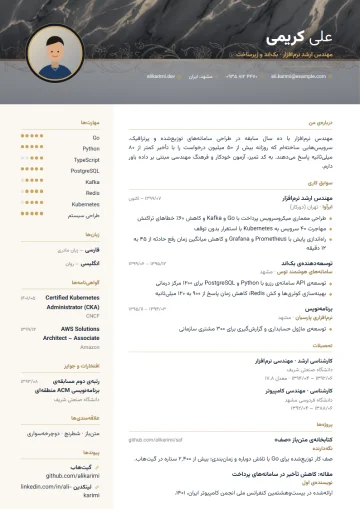
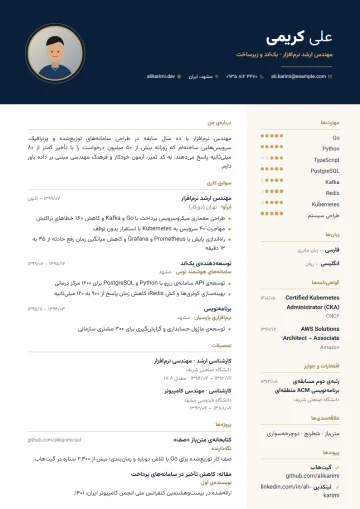
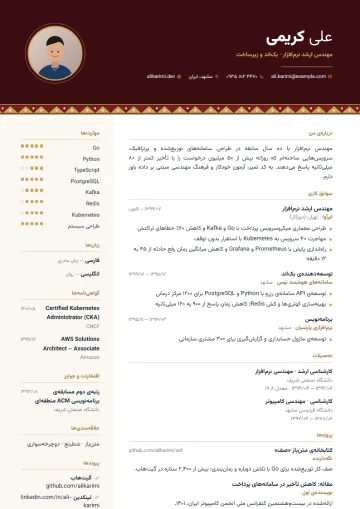
The same layout in 4 other palettes; your resume data is shared between them all.
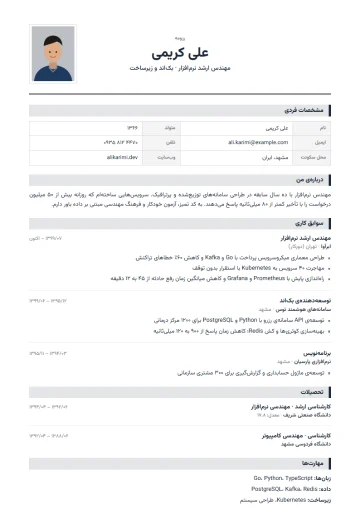
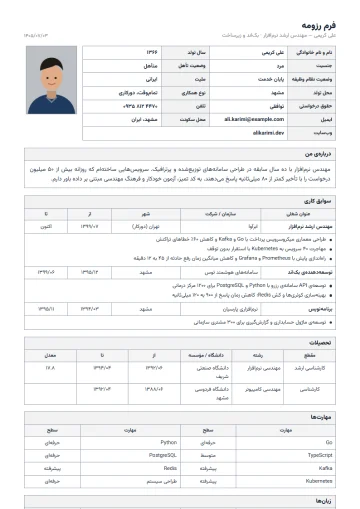
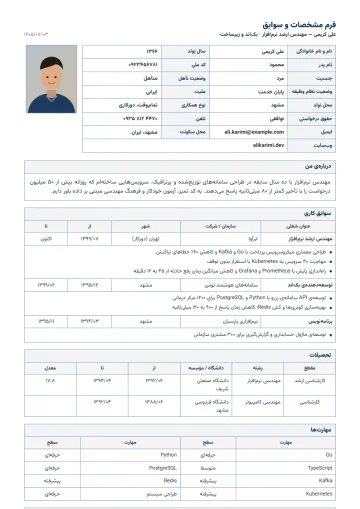
Similar templates in the Formal category
Questions about the Executive · Charcoal & copper template
Is the Executive · Charcoal & copper template free?
The Executive · Charcoal & copper template is one of the pro templates and unlocks with the “Resume Pro” plan. Its preview is free for everyone, and if you start with another template you can switch to it later without retyping.
Does the Executive · Charcoal & copper template have a photo?
Yes; the photo is part of the Executive · Charcoal & copper design. You choose a round, rounded or square photo shape, and the photo is automatically rotated and optimized on upload. If you don’t want a photo, the “No photo” option lays out the header with no empty space.
Can I also make an English version with the Executive · Charcoal & copper template?
Yes. Set the document language to English and the page direction, section titles and date format switch to English while the Executive · Charcoal & copper design stays the same. To keep both versions, duplicate the resume and change the language of one copy.
Does the Word export of the Executive · Charcoal & copper template look the same?
Yes. The Word file is generated with the same colors, layout and Persian font; the PDF is ready for sending and printing too, and both download from the editor with one click.
Is the Executive · Charcoal & copper template suitable for applicant tracking systems (ATS)?
The Executive · Charcoal & copper template is best for sending directly to a hiring manager. If the resume goes through an applicant tracking system, move the same data with one click to a single-column template such as Minimal or ATS plain.
Related pages
- Free online resume builderPersian and English resumes with 100+ templates, PDF and Word in the same design.
- Resume examples100+ resume and company profile templates; a preview of each and the jobs it suits.
- Company profile and corporate resume30 company profile templates for tenders, B2B sales and investor introductions.
Guides for organizations
All posts- Employee Satisfaction Surveys: How to Get Honest AnswersThe biggest problem with workplace surveys isn't question design; it's that employees don't believe the survey is anonymous.2 min read
- One Response Per Person: Why Browser-Based Limits Aren't EnoughThe "one response per person" option in most form builders relies on a cookie — and is defeated by an incognito window.2 min read
- Online Leave Request Forms: From Paper to WorkflowTaking a leave form online isn't just replacing paper. If you don't get the approval path and the balance calculation right, it creates more work, not less.2 min read
Build your resume with Executive · Charcoal & copper
Enter your details once; switch templates whenever you like and get PDF and Word.