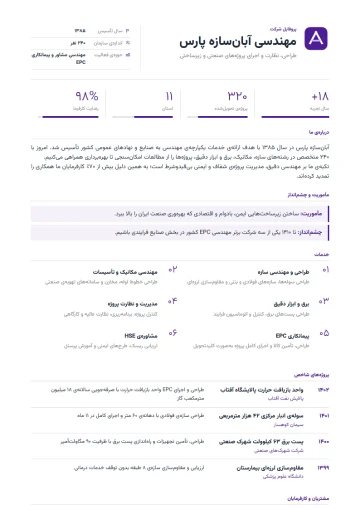
Consulting · Charcoal company profile template
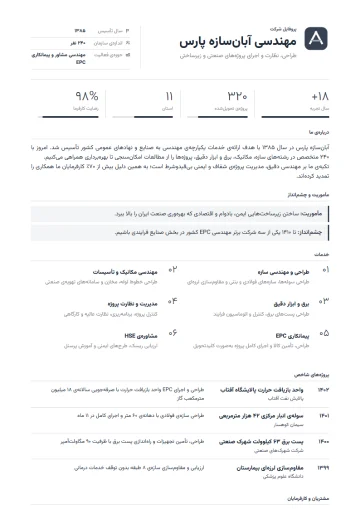
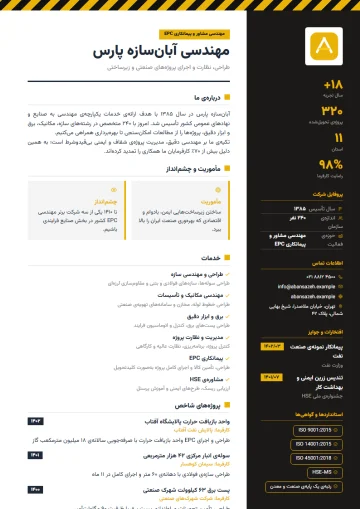
Thin lines, numeric indicators and structured case studies; calm, precise and data-driven. The “Charcoal” palette, with a dark ground and headings, is serious and focused; the text reads with high contrast and the resume looks weighty and confident among colorful ones.
- Access: “Resume Pro” plan
- Category: Company
- Layout: Single column
- Photo optional
- PDF & Word
- Persian and English
Who is the Consulting · Charcoal template for?
This template belongs to the “Consulting” design and is most useful for these jobs and situations:
- Management and strategy consulting
- Audit and financial services
- Law and arbitration firm
- Consulting engineers
- HR consulting
- IT consulting
Company profile templates are in the “Company” category and are built for formally introducing a company to clients, tendering parties, corporate customers or investors.
About the Consulting · Charcoal design
The Consulting design is for firms whose product is knowledge and precision. Thin lines and white space create a sense of order, a few numeric indicators at the top summarize the track record, and each project is written as a case study: client, challenge, what you did and the result.
Before signing, a consulting client wants to know what kinds of problems you have dealt with. This template highlights exactly that “problem → solution → result” story and places your team’s standards, memberships and awards beside it. PDF for formal proposals; Word for working on the text with colleagues.
The “Charcoal” palette, with a dark ground and headings, is serious and focused; the text reads with high contrast and the resume looks weighty and confident among colorful ones.
A photo is optional in this template; if you leave it out, the header is laid out without an empty space.
Sections in this template
A company profile in this template is made of these sections; each has its own form in the editor:
- Header and details: Company name and tagline, logo, year founded, company size, industry and contact details.
- About us: An introduction to the company in a few paragraphs.
- Mission and vision: Why you exist and where you’re going, each in a short paragraph.
- Services: Each service with a name and description.
- Projects: Project name, client, year and scope of work.
- Clients: A list of the clients and brands you have worked with.
- Team: Key members with photo, role and a short bio.
- Awards: Awards, rankings and commendations with issuer and date.
- Standards and certifications: ISO, licenses, ratings and memberships.
- Key figures: Up to 12 metrics, such as years in business, projects delivered or qualified staff.
Reorder sections by dragging and hide any you don’t need; that section’s data isn’t deleted and comes back whenever you want.
Tips for filling in this template
- Start “About us” with the customer, not the history: what problem you solve, and for whom.
- Only include key figures you can back up; tender assessors check these very numbers against documents.
- Give the client name and year for every project; an unnamed project builds no trust.
- Upload the logo in high quality with a transparent background (PNG) so it sits cleanly on a colored header.
Access, export and sharing
The Consulting · Charcoal template is one of the pro templates and unlocks with the “Resume Pro” plan; the document carries no Porsino mark.
PDF and Word downloads keep the same design, and when you turn on sharing, the resume gets a readable public address that you can turn off anytime. The price of “Resume Pro” and its terms are on the pricing page.
Other variations of the Consulting design
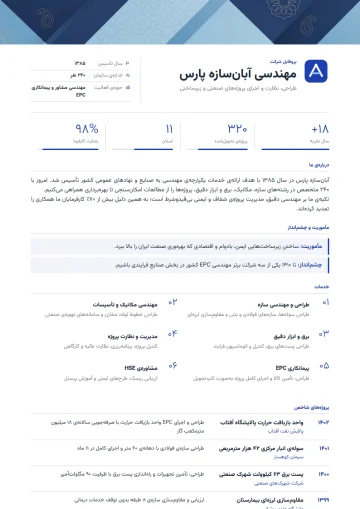
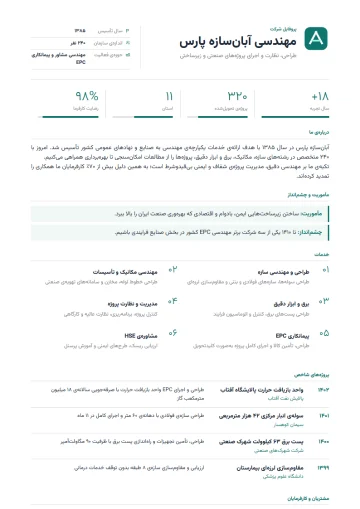
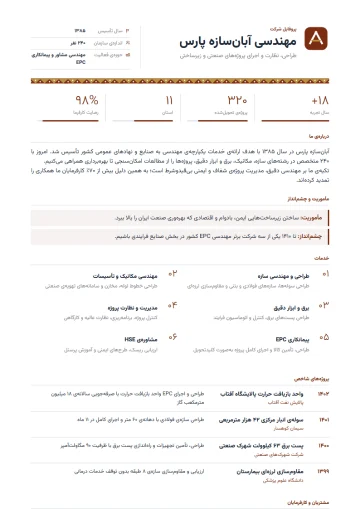
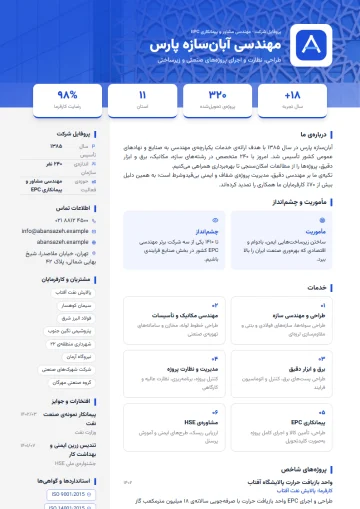
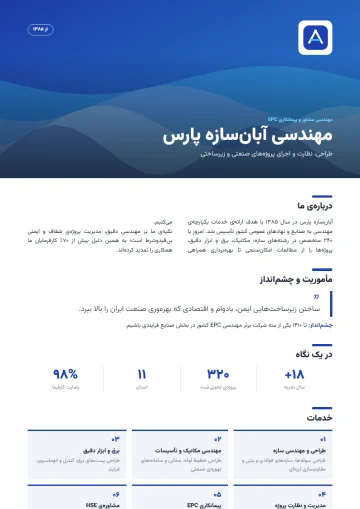
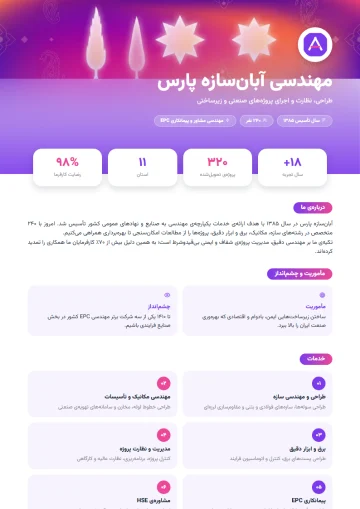
The same layout in 4 other palettes; your resume data is shared between them all.
Similar templates in the Company category
Questions about the Consulting · Charcoal template
Is the Consulting · Charcoal template free?
The Consulting · Charcoal template is one of the pro templates and unlocks with the “Resume Pro” plan. Its preview is free for everyone, and if you start with another template you can switch to it later without retyping.
Does the Consulting · Charcoal template have a photo?
A photo is optional in the Consulting · Charcoal template: if you upload one it sits in the header, and if not, the header is laid out with no empty space.
Can I also make an English version with the Consulting · Charcoal template?
Yes. Set the document language to English and the page direction, section titles and date format switch to English while the Consulting · Charcoal design stays the same. To keep both versions, duplicate the resume and change the language of one copy.
Does the Word export of the Consulting · Charcoal template look the same?
Yes. The Word file is generated with the same colors, layout and Persian font; the PDF is ready for sending and printing too, and both download from the editor with one click.
Is a company profile in the Consulting · Charcoal template suitable for tenders?
Yes. The projects section with client and year, standards and certifications, and key figures are exactly what is checked in qualification; the Word version is ready to attach to tender documents too.
Related pages
- Company profile and corporate resume30 company profile templates for tenders, B2B sales and investor introductions.
- Resume examples100+ resume and company profile templates; a preview of each and the jobs it suits.
- Free online resume builderPersian and English resumes with 100+ templates, PDF and Word in the same design.
Guides for organizations
All posts- Employee Satisfaction Surveys: How to Get Honest AnswersThe biggest problem with workplace surveys isn't question design; it's that employees don't believe the survey is anonymous.2 min read
- One Response Per Person: Why Browser-Based Limits Aren't EnoughThe "one response per person" option in most form builders relies on a cookie — and is defeated by an incognito window.2 min read
- Online Leave Request Forms: From Paper to WorkflowTaking a leave form online isn't just replacing paper. If you don't get the approval path and the balance calculation right, it creates more work, not less.2 min read
Build your company profile with Consulting · Charcoal
Enter your details once; switch templates whenever you like and get PDF and Word.